Creating Custom Badges
One of the most exciting features of Sight Reading Factory's new Badge system is Custom Badges. While standard badges and monthly challenges provide standard goals for students to pursue, Custom Badges allow teachers to make badges tailored according to the specific needs of their students.
Whether you're preparing students for an audition, reinforcing a specific concept, or encouraging regular sight reading practice, Custom Badges make it easy to create engaging challenges and meaningful goals tailored to your students' needs.
Creating badges for specific goals
Custom Badges make it easy to align sight reading practice with the specific objectives of your program. One teacher may want students to complete a series of Level 4 exercises in preparation for an upcoming assessment, while another may focus on mastering particular time signatures, key signatures, rhythms, or other musical concepts. All these can be easily supported with the help of Custom Badges.
How to Create a Custom Badge
- To start using Custom Badges in Sight Reading Factory, first make sure you have created a class.
- Enroll Students in your Class.
- From your dashboard, select the Custom Badge tab.
- Create a badge by providing:
- Name for the badge
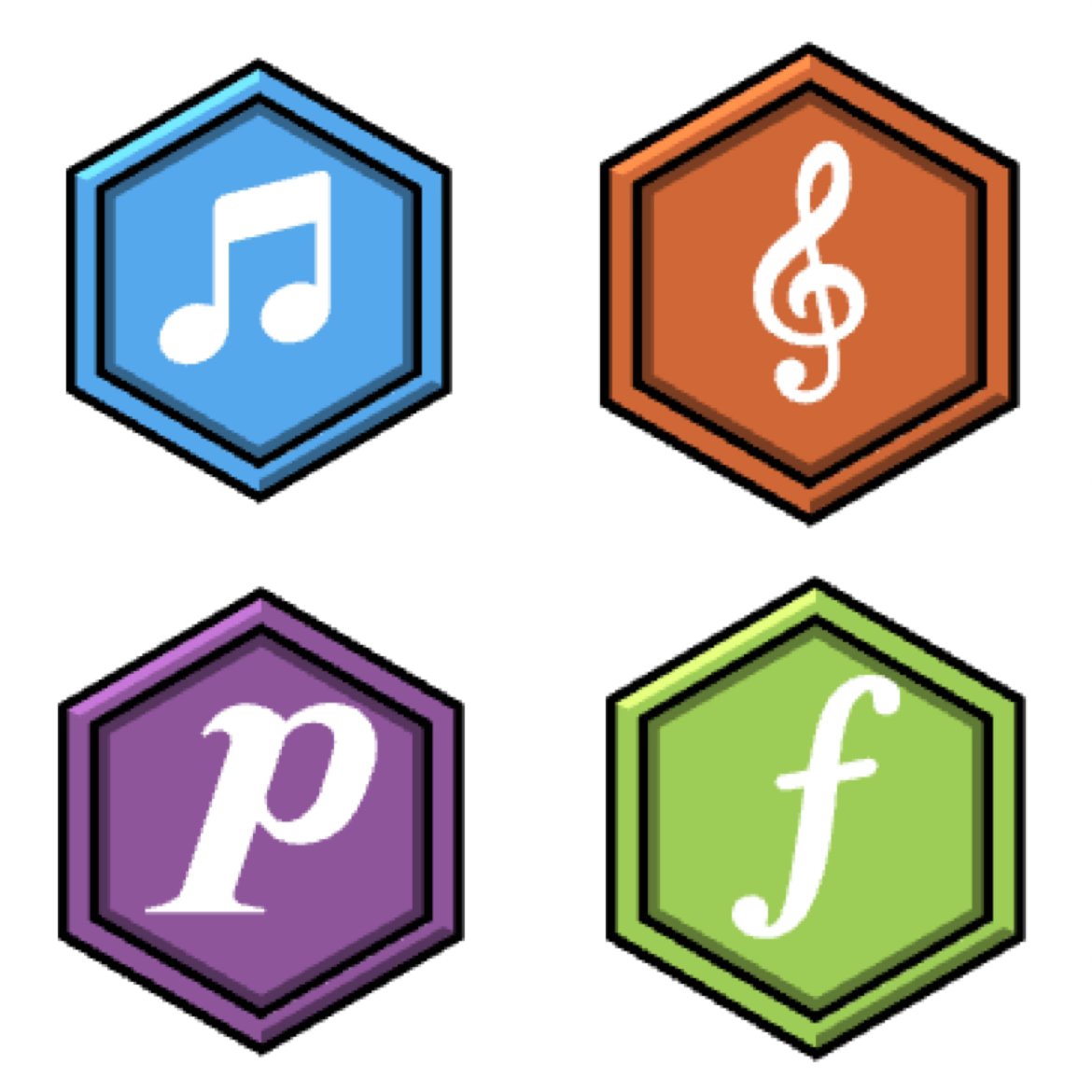
- Custom badge image design or randomize
- The level of the exercises that your students need to complete (including YOUR custom levels)
- Time signature requirement
- Key signature requirement
- Required number of successful attempts to pass the badge
- Minimum score students should achieve to pass off an attempt
- Minimum measure count for the exercise to qualify
With this information, you are free to create personalized badges with specific conditions. After creating a badge, the students assigned to the chosen class can start earning it by completing the requirements specified.
Monitoring Student's Progress
One of the most useful features about badges is the ability to monitor students' progress.
The teacher can switch between personal and student's badge dashboards using the corresponding buttons at the top right corner of the Quest page. There the teacher can choose a specific student and view the badge progress, achievements and streaks.
It becomes possible to monitor students' progress and recognize those who are successful, those who need some encouragement and those who deserve congratulations after receiving badges.
Why Should You Use Custom Badges?
Custom Badges give teachers an easy way to align sight reading practice with their instructional goals.
Rather than simply assigning tasks and hoping students stay engaged, teachers can create clear challenges with meaningful rewards. Students know exactly what they are working toward and can track their progress as they strive to earn each badge.
In addition to standard and monthly badges that are available for all users, Custom Badges offer the flexibility to create personalized challenges that make sight reading practice more engaging, motivating, and effective.
Questions about Custom Badges? Feel free to reach out to us with any question you may have.